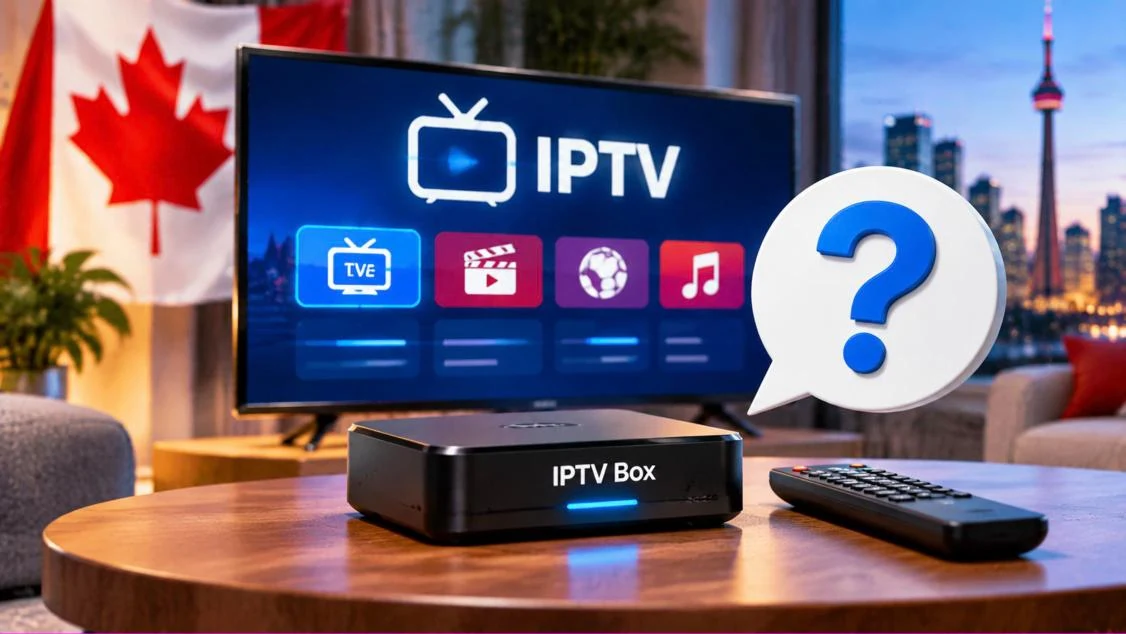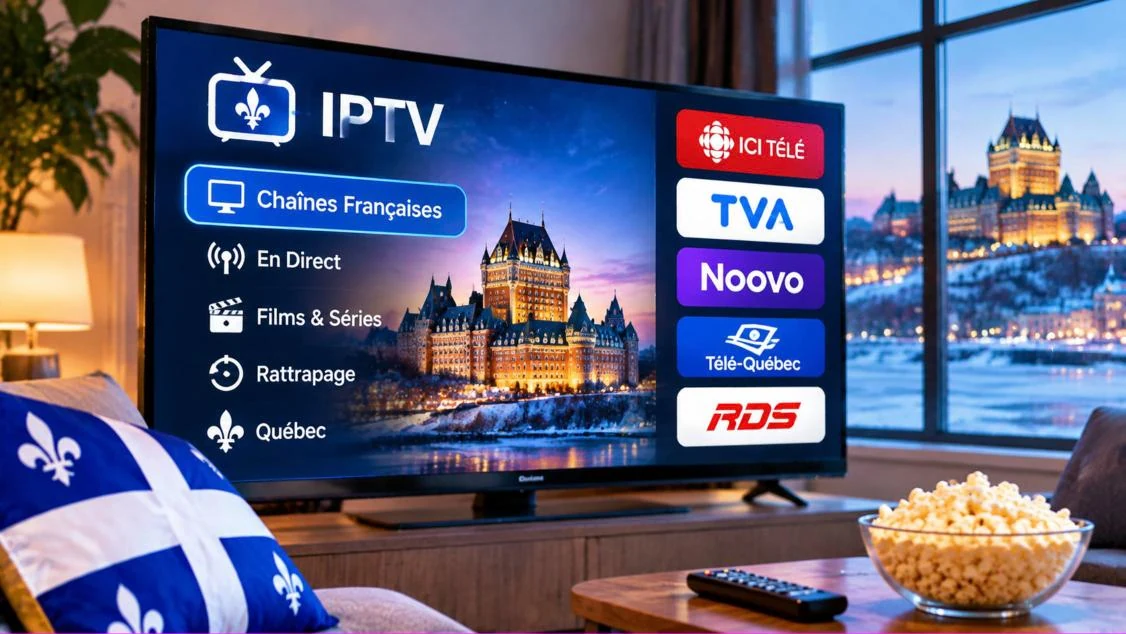

IPTV means watching television over your internet connection instead of through a cable, satellite dish or antenna. If you’ve ever watched Netflix or YouTube, you’ve already used the same basic idea — IPTV just applies it to live TV channels and on-demand content in one app. For a complete beginner, that’s the whole concept: your shows arrive as internet data rather than a broadcast signal. This guide explains, in plain language, what IPTV is, how it works, what you need to start, and how to do it safely.
Key takeaways
- IPTV is television delivered over the internet — live channels plus on-demand, in one app.
- To start you need four things: internet, a device, a subscription, and a player app.
- It’s legal technology; legality depends on the service having rights to its content.
- Setup takes about ten minutes — enter your login and start watching.
What is IPTV, really?
IPTV stands for Internet Protocol Television. “Internet Protocol” is simply the way data travels across the internet, so IPTV is television that reaches you as internet data. Traditional TV sends one broadcast to everyone over cable, satellite or airwaves; IPTV streams the channel you choose to your device over your home connection, the same way a website or a video loads. That shift is what makes it cheaper and more flexible — there’s no dedicated TV line, no dish, and no box tied to one wall.
How IPTV works, simply
Here’s the whole process without the jargon. Your IPTV provider stores or relays TV channels on its servers. When you open your app and pick a channel, the app requests that stream from the server, and the video plays on your screen in real time. A small amount of information — your login — tells the server you’re allowed to watch, and a program guide shows you what’s on. That’s it. You don’t need to understand the technology to use it any more than you need to understand how a webpage loads to browse the internet.
IPTV vs cable vs streaming apps
Beginners often mix these up, so here’s the simple distinction. Cable delivers a fixed set of channels over a dedicated line, usually with a rented box and a contract. Streaming apps like Netflix are on-demand libraries — shows and films you watch whenever, with no live channels. IPTV sits in between and beyond: it delivers live TV channels (like cable) plus on-demand content, over the internet (like streaming), without the cable line or contract. In short, IPTV is live TV that behaves like a streaming app. Our comparison of IPTV vs Netflix and Crave goes deeper on that difference.
What you need to start
Getting going requires just four things, most of which you probably already have:
- A stable internet connection — the foundation of everything.
- A device — a Firestick, Android TV box, smart TV, phone or computer.
- A subscription from an IPTV provider, which gives you a login.
- A player app — such as IPTV Smarters or TiviMate — to watch in.
That’s the entire shopping list. Our getting started guide walks through the first setup step by step, and our guide to IPTV boxes helps if you’re choosing hardware.
The three ways to connect
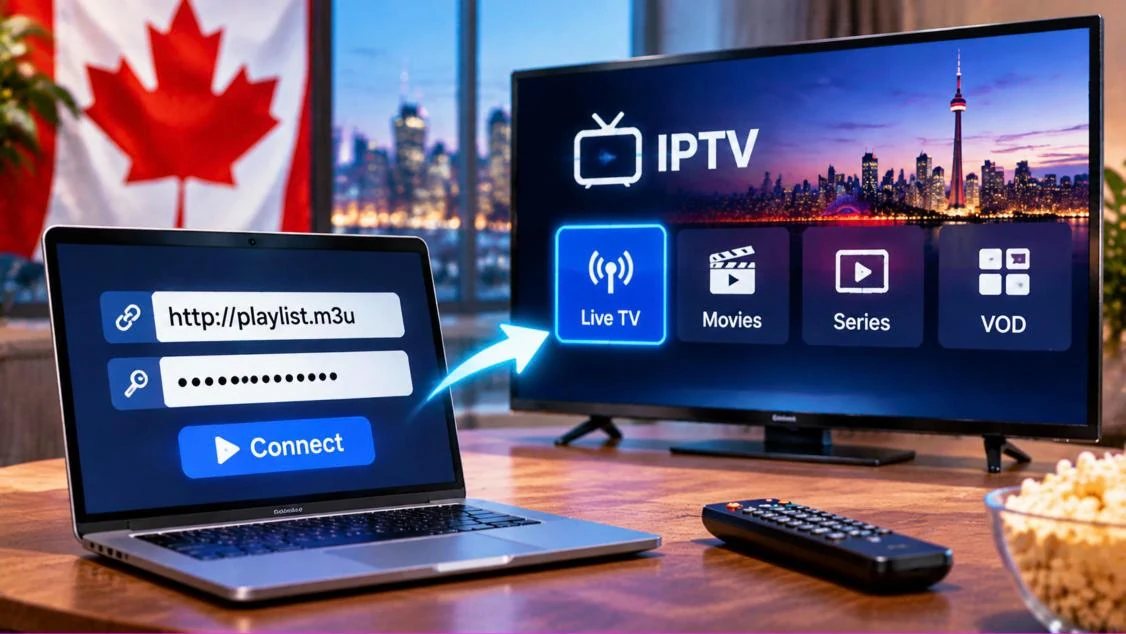
When you subscribe, your provider gives you login details in one of three formats, and you’ll just pick the matching option in your app. An M3U is a single playlist link. Xtream Codes is a server address plus a username and password. A portal (Stalker) login is used mainly on MAG-style boxes. You don’t need to understand the differences to start — your provider tells you which you have — but if you’re curious, our guide to M3U and Xtream Codes explains them in plain terms.
What you can watch
A good IPTV service covers roughly what cable does and often more: live national and local channels, news, sport, kids’ programming, international and French-language channels, plus an on-demand library of movies and series. The breadth is one of the main attractions — especially the international and multilingual content that cable bundles poorly. Exactly what’s available depends on the provider, so it’s worth confirming the specific channels you care about before subscribing.
Is IPTV legal?
The technology is completely legal in Canada. What determines legality is whether a specific service has the rights to the content it streams — a licensed provider is fine, while an unlicensed one that restreams channels without permission is not. As a beginner, the safe rule is to avoid anything promising “every channel for a few dollars” and to choose a transparent, reputable service. Our explainer on licensed vs unlicensed IPTV covers how to tell the difference.
Is it hard to set up?
No — this is the part beginners worry about most and need to least. Modern IPTV setup is a few minutes: install a player app, choose your login type, enter the details your provider gave you, and wait for the channels to load. There’s no wiring, no installer, and no technical knowledge required. If you can install an app and copy and paste a login, you can set up IPTV. The one thing worth doing properly is connecting your main TV by Ethernet cable where possible, which keeps live TV smooth.
Common beginner mistakes
A few simple missteps cause most early frustration. Choosing the cheapest service you can find usually leads to buffering, so prioritise reliability over price. Blaming the service for buffering that’s actually weak Wi-Fi is another — test wired before complaining. Entering an M3U link into the Xtream fields (or vice versa) stops it loading, so match the login type. And skipping the free trial means paying before you know if a service works for you. Avoid those four and your first experience will be a smooth one.
How to get started safely
The safest path for a beginner is simple: pick a transparent, reputable provider, take a free trial, and test it on your own connection and devices before paying. Watch at a busy evening hour to check reliability, confirm your must-have channels are there, and make sure the setup suits you. If it all works, subscribe — starting with a shorter plan before committing to a year. TVNow offers a 24-hour free trial so you can try the whole thing with no risk, and our guide to choosing a provider covers what to look for.
Why IPTV is growing so fast in Canada
It helps to understand why so many Canadians are switching, because it explains what IPTV is good at. Traditional TV bills have climbed steadily, with full cable packages now routinely topping $100 a month, while home internet has become fast and widespread. That combination makes delivering TV over the internet both cheaper and practical for almost every household. At the same time, viewers increasingly want flexibility — watching on a phone, a tablet or a TV in any room, without a contract — and access to international and multilingual content that cable never bundled well. IPTV answers all of those pressures at once, which is why cord-cutting has accelerated across the country. Knowing this helps a beginner set expectations: IPTV’s strengths are cost, flexibility and breadth, and its one requirement is a connection good enough to carry the streams.
Myths beginners often believe
A handful of misconceptions trip up newcomers. The first is that IPTV is inherently illegal — it isn’t; it’s a delivery technology, and legality depends on the service. The second is that it’s complicated and only for techy people — modern apps have made setup a few-minute job. The third is that the service with the most channels is the best — a huge count means nothing if your channels don’t work reliably. The fourth is that a VPN makes an otherwise dodgy service fine — it doesn’t change whether the content is authorised. And the fifth is that cheaper is always better — in IPTV, suspiciously cheap usually means unreliable. Clearing these up early saves a lot of confusion and steers you toward a good first experience.
What to expect in your first week
If you’re brand new, here’s a realistic picture of the first few days. Setup itself will take minutes, and once the channels load you’ll likely spend an evening or two exploring the lineup and building a favourites list so you’re not scrolling past channels you never watch. You may need to set the guide to your correct time zone and, if the picture stutters, switch your main device to a wired connection — that single change solves most early buffering. Give the service a proper test at a busy evening hour during your trial, because that’s when any weakness shows. By the end of the first week, most people have their favourites arranged, their connection sorted, and a setup that feels as natural as the cable box it replaced — at a fraction of the cost. If anything feels off, our getting started guide and speed guide cover the fixes.
Bottom line
IPTV is just television over the internet — live channels and on-demand content in one app, cheaper and more flexible than cable. To start you need internet, a device, a subscription and a player app, and setup takes about ten minutes. Stick to a legitimate, reliable provider, test it with a free trial, and wire your main TV, and you’ll have a modern TV setup for a fraction of a cable bill.
Frequently asked questions
What is IPTV in simple terms?
Television delivered over your internet connection instead of cable, satellite or an antenna — live channels plus on-demand content in one app.
What do I need to use IPTV?
Four things: a stable internet connection, a device (Firestick, box, smart TV, phone or PC), a subscription, and a player app like IPTV Smarters or TiviMate.
Is IPTV legal?
The technology is legal. A service is legal if it has the rights to its content; an unlicensed one that restreams without permission is not.
Is IPTV hard to set up?
No. Install a player, choose your login type, enter the details from your provider, and the channels load — usually about ten minutes, no wiring or installer.
Is IPTV the same as Netflix?
No. Netflix is an on-demand library with no live channels. IPTV delivers live TV plus on-demand, over the internet.
How much does IPTV cost?
A quality service runs roughly $10–$15 a month on an annual plan — far less than cable. Avoid suspiciously cheap services, which tend to be unreliable.