
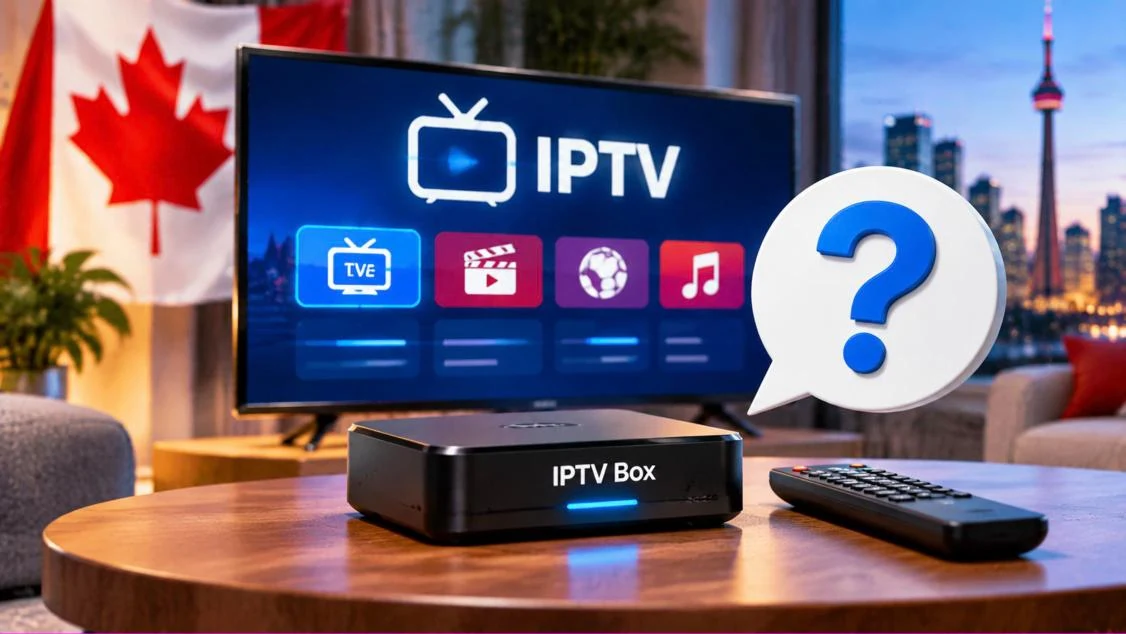
An IPTV box is a small streaming device that plugs into your TV’s HDMI port and connects to your internet, letting you watch live television and on‑demand content delivered over the internet instead of a cable or satellite line. Think of it as the hardware that turns an ordinary TV into a smart streaming TV, running apps that play your IPTV subscription. This guide explains what an IPTV box is, how it works, the main types sold in Canada, what to look for when buying, and whether you actually need one.
Key takeaways
- An IPTV box is a small device that connects to your TV and the internet to stream live TV and on‑demand content — turning any TV into a streaming TV.
- Most boxes run Android/Google TV or Linux firmware; streaming sticks like the Firestick do a similar job in a smaller form.
- The box and the subscription are separate: you buy the hardware once, then choose an IPTV plan.
- For live sports, a dedicated box with a faster processor and an Ethernet port buffers less than a budget stick.
What is an IPTV box?
An IPTV box is dedicated streaming hardware. Inside is a processor, memory and storage running an operating system — usually Android/Google TV or a Linux‑based firmware — plus the ports to connect to your TV and network. You install an IPTV player app (or it comes pre‑loaded), enter your subscription details, and the box streams channels and on‑demand titles over your internet connection.
It’s different from a smart TV in that the box is purpose‑built for streaming: it’s often faster and more responsive than a TV’s built‑in system, it can be upgraded or replaced on its own, and it gives you features like a full electronic program guide (EPG), recording on some models, and support for the specific IPTV apps you want.
How an IPTV box works
- Connect it to your TV via HDMI.
- Connect it to the internet by Wi‑Fi or, better, an Ethernet cable.
- Install or open an IPTV player such as IPTV Smarters or TiviMate.
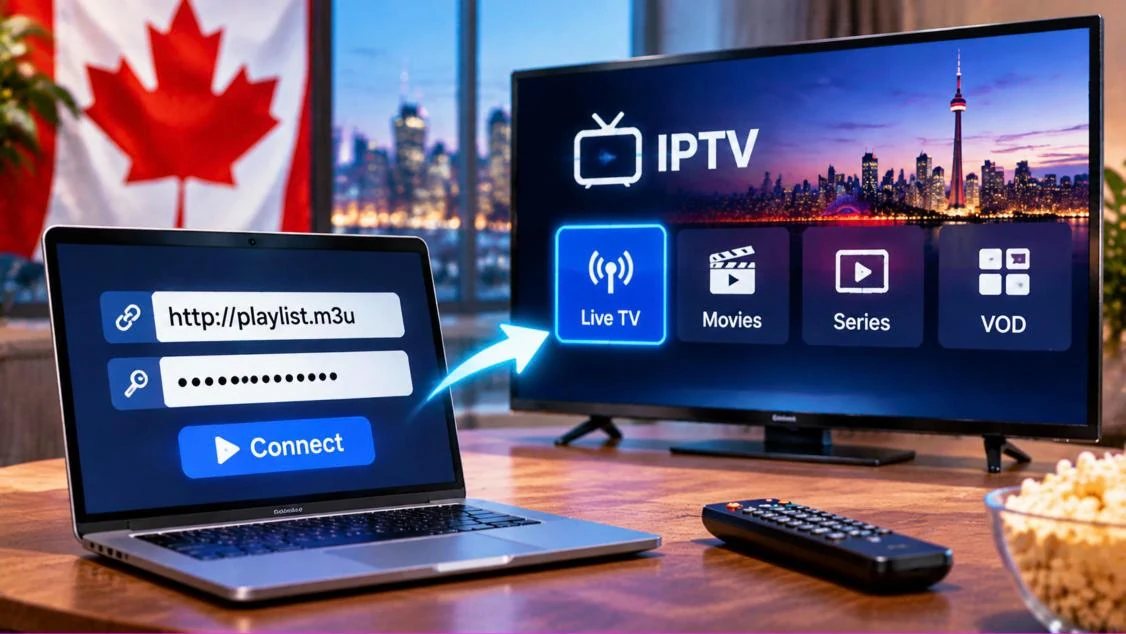
- Enter your subscription using an M3U link or Xtream Codes login — see our guide to M3U and Xtream Codes.
- Start watching — live channels, the program guide and on‑demand libraries load over your connection.
New to all of this? Our getting started with IPTV walkthrough covers the first setup end to end.
Types of IPTV boxes
| Type | What it is | Best for |
|---|---|---|
| Android / Google TV box | Runs the Android/Google TV OS with full app support | Most people — flexible and app‑rich |
| Linux / MAG‑style box | Dedicated firmware, very stable | Set‑and‑forget, portal‑based setups |
| Streaming stick (Firestick) | Compact stick that plugs into HDMI | Budget and portability |
| Smart TV built‑in | Apps run on the TV itself | Simplicity, no extra device |
Within these, popular lines in Canada include Android TV boxes, Formuler and BuzzTV units, and the Amazon Firestick. We cover the main options in Android TV boxes for IPTV, Formuler setup, BuzzTV and the Firestick.
IPTV box vs Firestick vs smart TV app
All three can run IPTV, but they suit different priorities. A dedicated IPTV box typically has a faster processor, more RAM and often a Gigabit Ethernet port, which reduces buffering during live sports. A Firestick is cheaper and portable and works fine for on‑demand and casual live viewing, but budget models can struggle with very large channel lists. A smart TV’s built‑in apps are the simplest option — nothing extra to buy — but the hardware is usually slower and app choice is limited.
If you’re deciding between the two most common choices, our Android box vs Firestick comparison breaks it down, and our smart TV IPTV guide covers running it on the TV itself.
What to look for when buying an IPTV box
- Processor and RAM — more is better for scrolling big channel lists and 4K playback without lag.
- 4K and HDR support — if you have a 4K TV and want the sharpest picture.
- Gigabit Ethernet port — the single best feature for buffer‑free live sports.
- Wi‑Fi standard — dual‑band or Wi‑Fi 6 if you must go wireless.
- Storage — enough room for your apps, plus expandable storage if you want recording.
- App compatibility — confirm it runs the IPTV player you want (TiviMate, IPTV Smarters, VLC).
- Remote — a responsive remote, ideally with voice or shortcut buttons.
Do you need an IPTV box?
You probably want one if you watch a lot of live TV or sports, want the smoothest possible experience on a big channel list, or your TV is older and doesn’t run modern apps well. You can skip it if you already have a recent smart TV or a Firestick that handles your subscription smoothly — in that case, the app does the job and the box is optional. Either way, the service matters more than the hardware: a great box can’t fix an unreliable provider.
Is an IPTV box legal in Canada?
The box itself is just hardware and is perfectly legal to own. Legality depends entirely on the service you load onto it — a licensed provider is fine, while an unlicensed one that restreams channels without permission is not. For the full picture, see our explainer on licensed vs unlicensed IPTV in Canada.
Honest limitations
- Quality depends on your internet. No box overcomes a slow or congested connection — check our speed requirements.
- The provider is the real variable. Reliability, channel quality and support come from the service, not the hardware.
- Cheap boxes age quickly. Very low‑end units can feel sluggish within a year.
The box and the subscription are separate
This trips up a lot of first‑time buyers: the hardware and the IPTV plan are two different purchases. You buy the box once, then choose a monthly or yearly subscription. That’s actually an advantage — you’re not locked into one provider by your hardware, and you can switch services without replacing the box. To pick a service, see our guide to choosing an IPTV provider.
IPTV box vs a traditional cable box
A cable box decodes a signal delivered down a coaxial line from one provider, on a fixed channel lineup, usually rented as part of a contract. An IPTV box streams over your existing internet connection, isn’t tied to a single provider, and is something you own outright rather than rent. That changes the economics: with cable you pay monthly for the box and the service bundled together, while with an IPTV box the one‑time hardware cost is separate from a subscription you can start, stop or switch whenever you like. The flexibility is the main draw for cord‑cutters — you keep the same box even if you change services, and there’s no installer visit or long‑term commitment. The trade‑off is that your viewing quality now depends on your home internet rather than a dedicated cable line, which is why the connection side matters so much.
Getting the best picture from your IPTV box
A good box only reaches its potential on a solid connection, so a few setup choices make a real difference. Where you can, run an Ethernet cable from your router to the box rather than relying on Wi‑Fi — wired is the biggest single improvement for live sports, which punish any dropped frames. If you must use Wi‑Fi, keep the box within good range of the router or add a mesh point nearby. Match your output to your TV: set the box to 4K only if both the TV and your plan can sustain it, otherwise a rock‑steady 1080p beats a stuttering 4K stream. Finally, give the box a little headroom on your internet plan, especially if several people stream at once. Our guide to the internet speed you need has the specifics, and if you still see stutter during peak evening hours, the steps in our stop buffering guide will help.
Bottom line
An IPTV box is simply the device that turns your TV into a streaming machine for live and on‑demand content. Android/Google TV boxes suit most people, Linux boxes are rock‑solid for set‑and‑forget use, and a Firestick is the budget pick. Prioritise a decent processor and an Ethernet port if you watch live sports, remember the box and subscription are separate, and choose a reliable provider. Want to test streaming on your current setup first? TVNow offers a 24‑hour free trial that works on boxes, sticks and smart TVs alike.
Frequently asked questions
What is an IPTV box?
It’s a small device that connects to your TV and the internet to stream live TV and on‑demand content, turning an ordinary TV into a smart streaming TV.
Do I need an IPTV box if I have a smart TV?
Not necessarily. A recent smart TV or Firestick can run IPTV apps directly. A dedicated box helps mainly if your TV is slow or you want the smoothest experience on big channel lists.
Is an IPTV box the same as a Firestick?
They do the same job. A Firestick is a compact, budget stick; a dedicated IPTV box usually has a faster processor and an Ethernet port for less buffering during live sports.
Does the IPTV box include a subscription?
Usually not. The box is the hardware; you buy an IPTV subscription separately, which lets you switch providers without replacing the box.
Are IPTV boxes legal in Canada?
The hardware is legal to own. Legality depends on the service you use — a licensed provider is fine; an unlicensed one that restreams channels without rights is not.
What should I look for in a 4K IPTV box?
A fast processor, enough RAM, 4K/HDR support, a Gigabit Ethernet port, and compatibility with your preferred IPTV player app.