
To set up IPTV on a Formuler box, open its built-in MYTVOnline player, add your subscription as an Xtream Codes login, M3U playlist or portal, and your channels load with a full guide. Formuler’s Z-series boxes (such as the Z8, Z10 and Z11) are premium Android-based set-top boxes built specifically with IPTV in mind, combining the flexibility of Android with a polished, TV-like player. This guide covers setting up a Formuler box step by step, using MYTVOnline, and getting the best performance.
Key takeaways
- Formuler boxes run Android with the built-in MYTVOnline IPTV player.
- They support Xtream Codes, M3U and portal connections — very flexible.
- You can also install TiviMate or IPTV Smarters from the Play Store.
- They’re premium, IPTV-focused boxes with a polished, cable-like experience.
Why Formuler boxes are popular for IPTV
Formuler’s Z-series boxes occupy a sweet spot between a generic Android box and a dedicated appliance. They run Android, so you get Play Store apps and flexibility, but they also ship with MYTVOnline (often shortened to MOL), a polished IPTV player tuned for a cable-like experience with a proper guide, favourites and catch-up. The hardware is built for smooth live TV, and the remotes are designed for channel navigation. This combination — Android flexibility plus a purpose-built player — is why Formuler boxes are a favourite among IPTV enthusiasts who want something more refined than a basic box.
What you need before you start
Have your Formuler box connected to your TV and internet, and your subscription details to hand — Xtream Codes (server, username, password), an M3U URL, or a portal URL, depending on what your provider offers. Formuler’s flexibility means it works with all three, so whichever your provider uses, you’re covered. If you’re unsure which you have, our guide to M3U and Xtream Codes explains the formats.
How to set up IPTV with MYTVOnline
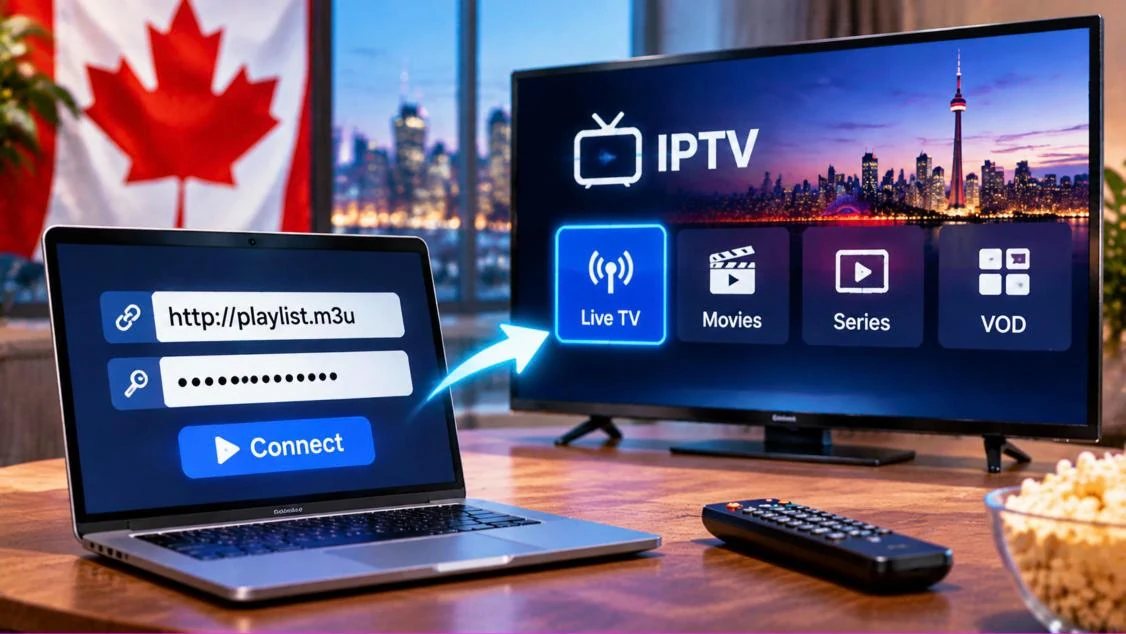
The built-in player is the easiest route. Open MYTVOnline from the home screen, and choose to add a playlist. Select your connection type — for most people that’s Xtream Codes, where you enter a name, the server URL, your username and your password; or choose the M3U option and enter your playlist URL; or a portal if your provider uses one. Save, and MYTVOnline loads your channels, VOD and series, pulling in the program guide automatically with an Xtream login. Set the guide to your correct time zone and arrange your favourites, and you’re ready to watch.
Using other apps on a Formuler box
Because Formuler boxes run Android, you’re not limited to MYTVOnline. If you prefer a different interface, you can install TiviMate or IPTV Smarters from the Google Play Store and use those instead, logging in the same way. This flexibility is a real advantage — you get Formuler’s well-built hardware with your choice of player. Our TiviMate guide covers the enthusiast favourite if you’d rather use it than MYTVOnline.
Getting the best performance
Formuler boxes are capable, so most of the experience comes down to your connection. Use the box’s Ethernet port with a wired connection for the smoothest live sport — this removes the most common cause of buffering. Keep the box’s firmware and your apps updated, and match stream quality to your connection rather than forcing 4K on a weak link. Give your internet plan headroom if several devices stream at once. With a wired connection and a solid provider, a Formuler box delivers one of the best living-room IPTV experiences available — see our buffering guide if you hit issues.
Common problems and fixes
Most issues are quick to resolve. If login fails, re-check the server URL and that you’ve used the right connection type and fields. If channels won’t load, confirm your subscription is active. An empty guide means adding the EPG or using the Xtream login. Buffering is a connection issue — go wired and test your speed. If MYTVOnline misbehaves, try updating it or switching to TiviMate/IPTV Smarters to isolate whether it’s the app or the service. For more, see our troubleshooting guide.
Formuler vs other boxes
Formuler sits at the premium end of IPTV-focused Android boxes, alongside brands like BuzzTV. Compared with a generic Android box or a Firestick, it offers a more refined, purpose-built experience — better remotes, the tuned MYTVOnline player, and hardware optimised for live TV — at a higher price. Compared with a MAG box, it’s far more flexible (apps, multiple connection types) while still offering a polished IPTV experience. If you treat IPTV as your main TV source and want something better than a basic box, a Formuler is a strong choice; if you want the cheapest route, a Firestick or budget Android box does the core job. Our BuzzTV guide and IPTV box guide cover the comparisons.
The Formuler Z-series range
Formuler’s Z-series has grown over several generations, with newer models offering faster processors, more memory, better Wi-Fi and improved 4K and HDR handling. Models like the Z8, Z10 and Z11 each stepped up the hardware, and there are also variants with different remote and feature sets. For buying advice, the practical rule is to get a current-generation model rather than an older one, since IPTV apps and 4K streams benefit from the extra power, and to prioritise a unit with an Ethernet port for wired stability. You don’t necessarily need the very top model unless you want the absolute best performance — a recent mid-to-upper Z-series box handles big channel lists and 4K comfortably. Buy from a reputable retailer to ensure you get a genuine unit with proper support, and avoid any box sold “pre-loaded” with channels, which signals pirated content and the associated risks.
Getting the most from MYTVOnline
MYTVOnline rewards a little setup. Take a few minutes to organise your channels into favourite groups so the ones you watch are front and centre, and set the guide to your correct time zone so the schedule is accurate. The player supports catch-up and recording features depending on your box and subscription, which are worth exploring if you often miss live broadcasts. Enable automatic playlist and guide updates so your lineup stays current without manual refreshes. And once it’s configured the way you like, note your settings or back them up, so you can restore them quickly if you reset the box or add a second one. These touches turn MYTVOnline from a capable default into a genuinely cable-like personal setup, which is the main reason people choose a Formuler over a generic box in the first place.
Running IPTV across multiple rooms
If you want IPTV on more than one TV, a Formuler box makes a strong main-room device, and you can pair it with cheaper boxes or sticks elsewhere in the house. The setup on each is the same idea — enter your subscription details in MYTVOnline or your chosen app — and your subscription’s connection limit governs how many screens can stream at once. A sensible approach is to use the Formuler as the primary living-room box where you want the best experience, and a Firestick or budget Android box on secondary TVs. Because the subscription is independent of the hardware, mixing devices is no problem; your login works across all of them. Set up your main Formuler box exactly how you like it first, then replicate the essentials on the others for a consistent experience throughout the home.
Keeping your Formuler box reliable
A Formuler box is low-maintenance once configured, but a few habits keep it at its best. Apply firmware updates when Formuler releases them, as they improve stability and compatibility. Keep MYTVOnline (or your chosen player) updated too. Use a wired connection for the main TV, restart the box occasionally, and clear app caches if things slow down. Most importantly, pair the box with a reliable provider that has well-located servers, since even the best hardware can’t overcome an unstable or distant portal. With a genuine Formuler box, a legitimate subscription and a solid connection, you have one of the most polished and dependable IPTV setups available in Canada.
Bottom line
A Formuler box is a premium, IPTV-focused device that’s easy to set up: open MYTVOnline, add your Xtream, M3U or portal details, and enjoy a polished, cable-like experience — or install TiviMate if you prefer. Wire the Ethernet port, keep it updated, and it’s one of the best living-room IPTV setups going. To test a service on your Formuler box, TVNow offers a 24-hour free trial.
Frequently asked questions
How do I set up IPTV on a Formuler box?
Open the built-in MYTVOnline player, add a playlist, and enter your Xtream Codes, M3U or portal details. The channels and guide then load.
What is MYTVOnline?
It’s Formuler’s built-in IPTV player — a polished, cable-like app with a guide, favourites and catch-up, supporting Xtream, M3U and portal connections.
Can I use TiviMate on a Formuler box?
Yes. Formuler boxes run Android, so you can install TiviMate or IPTV Smarters from the Play Store if you prefer them to MYTVOnline.
Does a Formuler box support Xtream Codes?
Yes — Formuler boxes support Xtream Codes, M3U and portal connections, making them very flexible with different providers.
Why is my Formuler box buffering?
Usually the connection. Use the Ethernet port, match stream quality to your speed, and give your plan headroom.
Is a Formuler box worth it?
For a main IPTV setup, yes — it’s a premium, purpose-built box with a refined experience. For the cheapest route, a Firestick or basic Android box suffices.