
The best IPTV apps for Android are TiviMate and IPTV Smarters for most people, with OTT Navigator, VLC and Kodi filling specific needs — and all of them need your own subscription, since none includes channels. Android is the most flexible platform for IPTV, with a wide choice of capable players available through the Google Play Store. This guide covers the top Android IPTV apps, what each does best, and how to choose the right one for your phone or Android box.
Key takeaways
- TiviMate is the best overall for a cable-like experience; IPTV Smarters is the most beginner-friendly.
- OTT Navigator is feature-rich; VLC is a simple backup; Kodi suits media-centre users.
- All are players only — you supply the M3U or Xtream Codes subscription.
- Most install straight from the Google Play Store.
What makes a good IPTV app
Before the list, it helps to know what separates a good IPTV player from a basic one. The things that matter are a clear, accurate electronic program guide (EPG); support for both M3U and Xtream Codes logins; favourites and channel organisation; smooth, fast channel switching; catch-up and VOD handling; and reliability during live sport. The best apps do these well; weaker ones skimp on the guide or organisation. Remember that none of these apps provides channels — they’re the interface for a subscription you supply, so the app and the service are separate choices.
TiviMate — best overall
TiviMate is widely regarded as the best IPTV player on Android. Its program guide is the standout — a clean, accurate grid with logos — and it offers excellent favourites management, fast channel switching, and, in its premium version, scheduled recordings and multiple-playlist support. It works on Android phones, Android TV boxes and Fire TV. The free version covers the basics; premium (bought via the Companion app) unlocks the advanced features. If you want the most polished, cable-like experience, TiviMate is the one to try first — our TiviMate setup guide walks through it.
IPTV Smarters — best for beginners
IPTV Smarters is the most beginner-friendly option and the most cross-platform. Its smart-TV-style layout, with clear Live TV, Movies, Series and Catch-up sections, is immediately intuitive, and it handles Xtream Codes logins smoothly with the guide included. It’s free, available widely, and a great starting point if you’re new to IPTV. Many people begin with Smarters and only move to TiviMate if they want its deeper features. Our IPTV Smarters guide covers it in depth.
OTT Navigator — feature-rich
OTT Navigator is a powerful, highly customisable player favoured by enthusiasts. It offers extensive settings, flexible guide and layout options, multiple-playlist support and strong catch-up handling. The trade-off is that its wealth of options can feel overwhelming to a newcomer, so it suits users who like to tinker and tailor every detail. If TiviMate and Smarters feel too simple and you want maximum control, OTT Navigator is worth exploring.
VLC — simple and reliable backup
VLC isn’t a dedicated IPTV app, but it plays M3U playlists on Android reliably and is worth having installed. It has no guide or favourites, so it’s not a daily driver, but it’s perfect for quickly testing a playlist or as a fallback when another app misbehaves. Because almost everyone already has VLC, it’s a handy diagnostic tool — our VLC IPTV guide covers the details.
Kodi — for media-centre users
Kodi is a full media centre that plays IPTV through its official PVR IPTV Simple Client add-on. It’s the right choice if you already use Kodi for your local media and want live TV integrated alongside it, or if you want the same setup across many device types. It’s more involved to configure than a dedicated player and its live-TV interface is more utilitarian, but it’s legitimate and flexible — just avoid pirate “builds,” as our Kodi guide explains.
Which app should you choose?
For most people the answer is simple: start with IPTV Smarters if you want easy and familiar, or go straight to TiviMate if you want the best guide and recordings. Choose OTT Navigator if you love customisation, keep VLC around as a backup, and pick Kodi only if you want media-centre integration. There’s no harm in trying two — they’re free to install — and settling on the one whose interface you prefer. Our guide to the top IPTV players overall compares across platforms.
How to install IPTV apps on Android
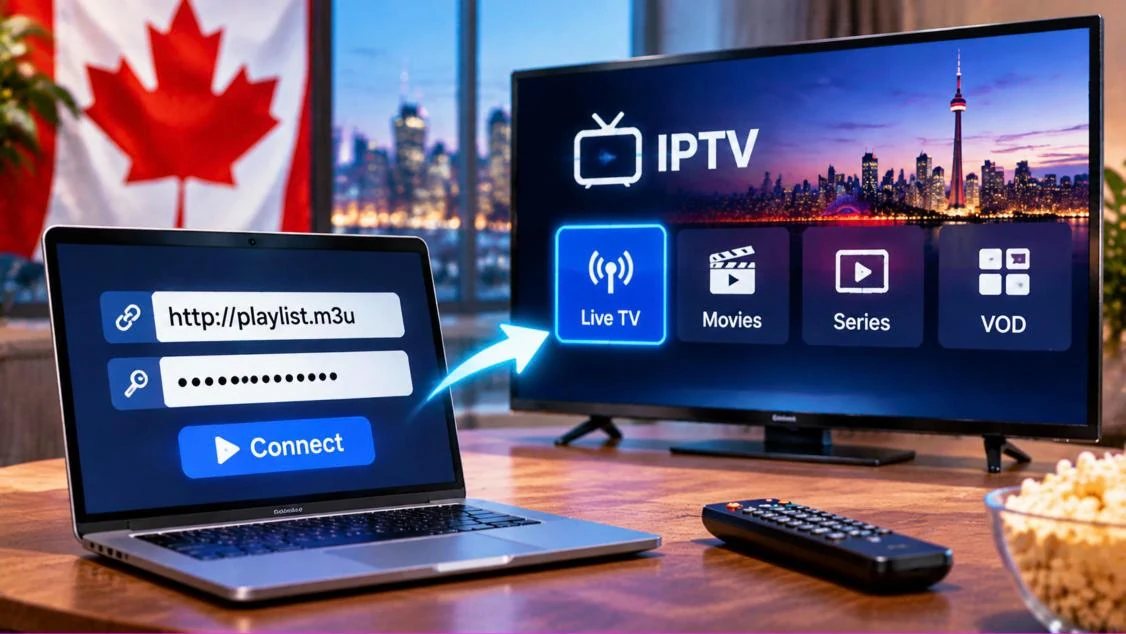
On Android phones and most Android TV boxes, you install these apps directly from the Google Play Store — search, install, open, and log in with your M3U or Xtream Codes details. On a Firestick (which is Android-based but uses Amazon’s store), you sideload apps via the Downloader tool instead, as covered in our Firestick guide. Either way, setup takes a few minutes once you have your subscription details.
Free apps, paid subscriptions, and staying legitimate
A key point: these player apps are free (or have modest premium tiers), which is fine — what costs money, and what matters legally, is the IPTV subscription you load into them. Avoid “free” shared playlists and codes, which are unstable and tied to pirated content; use a login from a provider you actually subscribe to. The app is just the window; the service behind it is what counts, as our guide to licensed vs unlicensed IPTV explains.
Phones vs Android TV boxes
The same apps run on both Android phones and Android TV boxes, but the best choice can differ by form factor. On a TV box, TiviMate and IPTV Smarters shine because their interfaces are designed for a remote and a big screen, with the guide and favourites easy to navigate from the couch. On a phone or tablet, IPTV Smarters and OTT Navigator work well for touch, and VLC is handy for quick viewing. If you use both, you can run the same app and subscription across them, keeping the experience consistent, though you’ll navigate differently with a remote versus a touchscreen. For a living-room setup, prioritise the app with the best remote-friendly guide; for mobile, prioritise one that handles touch and casting smoothly. Either way, your subscription works across all your Android devices, subject to its connection limit.
Switching apps without losing your subscription
One of the advantages of IPTV is that your subscription is independent of any app, so you can switch players freely. If you install TiviMate and decide you prefer IPTV Smarters, you simply enter the same login details into the other app — nothing about your subscription changes. This makes it painless to try a couple of apps and keep whichever you like, or to use different apps on different devices. It also means a provider’s problems and an app’s problems are separate: if one app misbehaves, loading your subscription into another quickly tells you whether the issue is the app or the service. This separation of app and subscription is worth keeping in mind whenever you’re troubleshooting or considering a change.
Getting the best performance on Android
Whichever app you choose, performance comes down to your device and connection. On a TV box, use the Ethernet port for the smoothest live sport; on a phone, stay on strong Wi-Fi. Keep the app and your device’s software updated, close background apps to free memory on cheaper boxes, and match stream quality to your connection rather than forcing 4K on a weak link. Clearing an app’s cache occasionally keeps it responsive. None of these is app-specific — they apply to TiviMate, Smarters, OTT Navigator and the rest equally — and they matter more to your day-to-day experience than which app you picked, since all the top Android players are capable once the device and connection are sorted. Our buffering guide covers the fixes if you run into trouble.
Bottom line
For Android IPTV, TiviMate and IPTV Smarters are the best starting points — TiviMate for the finest guide and recordings, Smarters for beginner-friendly simplicity — with OTT Navigator, VLC and Kodi covering specific needs. All are free to try, all need your own subscription, and most install straight from the Play Store. To test a service in your chosen app, TVNow offers a 24-hour free trial.
Frequently asked questions
What’s the best IPTV app for Android?
TiviMate for the best overall experience and guide, or IPTV Smarters for a beginner-friendly option. Both are free to try and need your own subscription.
Are Android IPTV apps free?
The apps are free or have modest premium tiers. Your IPTV subscription, which supplies the channels, is separate.
Do these apps include channels?
No. They’re players only — you add your own M3U or Xtream Codes subscription from a provider.
What’s the best IPTV app for beginners?
IPTV Smarters, thanks to its simple smart-TV-style layout and easy Xtream Codes login with the guide included.
Which app has the best TV guide?
TiviMate is known for the best EPG, with OTT Navigator a close, highly customisable alternative.
How do I install an IPTV app on Android?
Install it from the Google Play Store on phones and most boxes, or sideload via Downloader on a Firestick, then log in with your subscription details.