
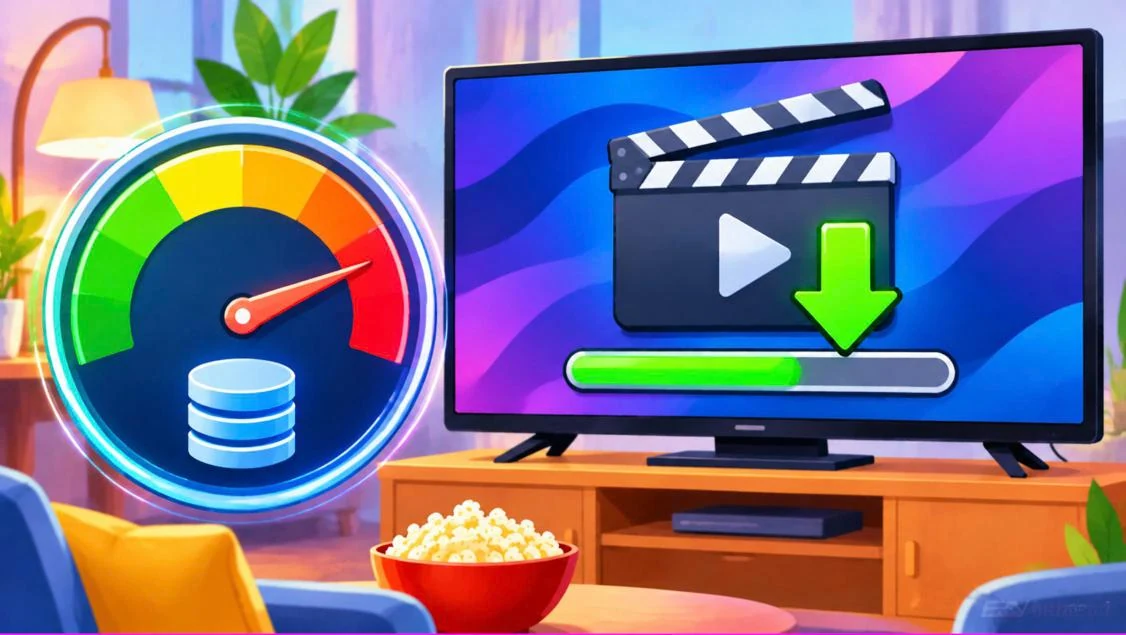
IPTV uses roughly 1–2 GB per hour in HD, about 3 GB per hour in Full HD, and 7 GB or more per hour in 4K. For an unlimited home connection that’s a non-issue, but if your internet plan has a data cap — as many Canadian plans still do — heavy daily viewing can add up to hundreds of gigabytes a month and push you over. This guide breaks down exactly how much data IPTV consumes, what it means for your monthly total, and how to keep usage in check if you’re on a capped plan.
Key takeaways
- Rough data use: SD ~0.7 GB/hr, HD ~1.5–2 GB/hr, Full HD ~3 GB/hr, 4K ~7 GB/hr.
- Heavy daily 4K viewing can exceed several hundred GB a month.
- On an unlimited plan it doesn’t matter; on a capped plan, watch your quality and hours.
- Lowering stream quality is the simplest way to cut data use.
Data use by quality
Here’s roughly how much data one IPTV stream uses per hour, by picture quality:
| Quality | Approx. data per hour |
|---|---|
| SD (standard) | ~0.5–0.7 GB |
| HD (720p) | ~1.5 GB |
| Full HD (1080p) | ~3 GB |
| 4K / UHD | ~7 GB or more |
These are approximate — actual usage varies with the stream’s bitrate — but they’re a reliable planning guide. The jump to 4K is steep, roughly double Full HD, which is the main thing to be aware of if you watch a lot of ultra-HD content. For more on 4K streaming, see our 4K IPTV guide.
What that means per month
Multiply by how much you watch and the totals become clear. A household watching around four hours of HD a day uses roughly 180–240 GB a month. Bump that to Full HD and it’s closer to 360 GB; make it heavy 4K viewing and you can pass 800 GB or even a terabyte in a month. Light viewers on SD or HD might only use 50–100 GB. The point is that IPTV’s monthly footprint depends almost entirely on your quality and hours, so your own usage could be a fraction of these figures or well above them — estimate from your real viewing rather than a worst case.
Does IPTV use more data than cable?
This catches people out when they switch. Traditional cable and satellite use no internet data at all — they arrive on a separate line — so your internet usage was previously just browsing, other streaming and downloads. Moving to IPTV shifts all your TV watching onto your internet connection, so your monthly data use will rise, sometimes substantially. On an unlimited plan that’s irrelevant, but if you’re coming from cable to IPTV on a capped plan, it’s worth anticipating the increase so a surprise overage bill doesn’t sour the savings.
Data caps in Canada
Many Canadian internet plans still include monthly data caps, with overage charges if you exceed them. Given IPTV’s footprint, a capped plan is the main thing that turns data usage from a non-issue into something to manage. If you’re a heavy viewer — especially in 4K, or across several screens — check your plan’s cap and compare it to the monthly estimates above. In many cases the simplest long-term fix is switching to an unlimited plan, which removes the worry entirely and is increasingly common; but if that’s not an option, the next section covers how to stay within a cap.
How to reduce IPTV data use
If you need to keep usage down, a few steps help. The most effective is lowering the stream quality — dropping from 4K to Full HD roughly halves data use, and Full HD to HD halves it again, usually with little visible difference on smaller screens. Don’t leave IPTV running on an unwatched TV, since it keeps consuming data; use sleep timers. Watch on-demand selectively rather than channel-surfing in the background. And prioritise one high-quality stream over several simultaneous 4K ones if you’re near your cap. Note that going wired doesn’t reduce data use — it improves stability, not consumption — so quality and hours are the real levers.
Live TV vs on-demand
Both live channels and on-demand content use similar data for the same quality and duration — an hour of Full HD is roughly 3 GB whether it’s a live channel or a movie. The practical difference is behavioural: live TV tends to be left on in the background more, quietly burning data, whereas on-demand is watched more deliberately. If you’re managing a cap, being mindful of background live viewing is often where the easiest savings are, since it’s data spent on something no one’s actively watching.
A warning about cellular data
Watching IPTV on a phone or tablet over cellular data deserves special caution. At HD or Full HD, an hour of viewing can consume 2–3 GB, which will devour a typical mobile plan’s allowance in a single sitting and risks steep overage charges. Reserve mobile IPTV viewing for Wi-Fi where possible, and if you must watch on cellular, drop the quality to SD and keep sessions short. Our guide to internet speed requirements covers the related speed side.
How to monitor your usage
If data matters to you, keep an eye on it rather than guessing. Most internet providers show your monthly usage in your account dashboard or app, often with alerts as you approach your cap — turn those on. You can also estimate ahead using the per-hour figures above: tally your typical daily viewing by quality, multiply out to a month, and compare it to your cap. Checking once early in a billing cycle quickly tells you whether your current habits fit your plan or whether you need to adjust quality or upgrade. A little monitoring prevents the unpleasant surprise of an overage charge.
Planning IPTV around a data cap
If you’re on a capped plan and don’t want to upgrade, a little planning keeps you comfortably within your limit. Start by working out your allowance after normal non-TV use — browsing, work, other streaming — then see how many hours of IPTV at your preferred quality fit in what’s left, using the per-hour figures above. If the maths is tight, Full HD instead of 4K roughly doubles the hours you can watch for the same data, and HD doubles them again. Many households find that watching in Full HD rather than 4K is an easy compromise that most people barely notice on a normal-sized TV while dramatically extending how much they can watch. Setting your player’s default quality once, rather than remembering to change it each time, makes this effortless. With that one setting dialled in, even a moderate data cap comfortably supports daily IPTV viewing.
Family and multi-screen households
Data use multiplies with simultaneous streams, so a busy family needs to think in totals. Two TVs both running Full HD for a few hours, plus a tablet in another room, can quietly triple a single viewer’s footprint. If everyone watches in 4K at once, the monthly total climbs fast. For capped households, the practical moves are to default the secondary screens (bedrooms, kitchen tablets) to a lower quality where the smaller displays make it hard to tell the difference, and to reserve 4K for the main TV when it genuinely matters. This keeps the family’s combined usage reasonable without anyone feeling restricted, and it’s far less disruptive than rationing viewing hours. The main-screen-high, secondary-screens-lower approach is the simplest way to manage a shared cap.
Common data-use myths
A couple of misconceptions are worth clearing up. The first is that a faster internet plan uses more data — it doesn’t; speed and data are separate, and a faster plan simply delivers the same content quicker, using the same amount. The second is that a wired connection saves data — it improves stability but consumes exactly the same as Wi-Fi for the same stream. The third is that pausing a live stream stops data use entirely — many apps keep buffering in the background, so fully closing the app is more reliable if you’re conserving. Understanding these means you focus your efforts where they actually work — quality and hours — rather than on changes that feel productive but don’t move your usage. Pair this with our speed guide and you’ll have both sides of the connection equation covered.
Bottom line
IPTV uses about 1.5–2 GB per hour in HD, 3 GB in Full HD and 7 GB+ in 4K, so heavy viewing can reach hundreds of gigabytes a month. On an unlimited plan it’s a non-issue; on a capped plan, manage it by lowering quality, not leaving streams running, and being careful on cellular. Estimate from your real viewing, monitor your usage, and IPTV’s data footprint stays well within your control. To test streaming on your own setup, TVNow offers a 24-hour free trial.
Frequently asked questions
How much data does IPTV use per hour?
Roughly 0.7 GB for SD, 1.5 GB for HD, 3 GB for Full HD, and 7 GB or more for 4K per hour.
How much data does IPTV use per month?
It depends on hours and quality — around 180–240 GB for four hours of HD a day, more for Full HD, and potentially 800 GB+ for heavy 4K viewing.
Does IPTV use more data than cable?
Yes. Cable uses no internet data; IPTV shifts your TV watching onto your connection, so your monthly usage will rise after switching.
How do I reduce IPTV data usage?
Lower the stream quality (4K to Full HD roughly halves it), don’t leave streams running unwatched, and avoid several simultaneous 4K streams near your cap.
Is IPTV safe to watch on mobile data?
Watch out — HD uses 2–3 GB per hour on cellular, which can blow through a mobile plan fast. Use Wi-Fi, or drop to SD and keep sessions short.
Does a wired connection reduce data use?
No. Ethernet improves stability, not consumption. Quality and viewing hours are what determine data use.