
The best IPTV apps for iPhone and iPad are GSE Smart IPTV, IPTV Smarters Player Lite, iPlayTV and SNPlayer — all available on the App Store, all supporting M3U and Xtream Codes, and all needing your own subscription. iOS has fewer IPTV apps than Android because of Apple’s App Store rules, but the ones available are polished and reliable. This guide compares the top iOS IPTV apps, what each does best, and how to choose the right one for your iPhone or iPad.
Key takeaways
- Top iOS apps: GSE Smart IPTV, IPTV Smarters Player Lite, iPlayTV and SNPlayer.
- All support M3U and Xtream Codes and install from the App Store.
- Look for AirPlay, Chromecast and picture-in-picture for flexibility.
- The apps are free (with some in-app purchases); your subscription is separate.
Why iOS has fewer, but solid, IPTV apps
Apple’s App Store rules are stricter than Google’s, so there are fewer IPTV players on iPhone and iPad than on Android — and notably, the hugely popular TiviMate isn’t available on iOS. The upside is that the apps that are available tend to be well-maintained and reliable, with the core features most people need: live TV, VOD, series, a program guide, and casting options. So while you have less choice, the choice you have is good. Below are the standouts, all on the App Store and all working from your own M3U or Xtream Codes subscription.
GSE Smart IPTV
GSE Smart IPTV is a long-standing, well-regarded iOS IPTV app and a reliable default choice. It supports M3U and Xtream Codes, handles the EPG, and works consistently across iPhone and iPad. It’s feature-rich — with support for multiple playlists and various settings — while remaining stable, which is why it’s so often recommended for Apple devices. If you want one dependable app to start with, GSE is a safe bet.
IPTV Smarters Player Lite
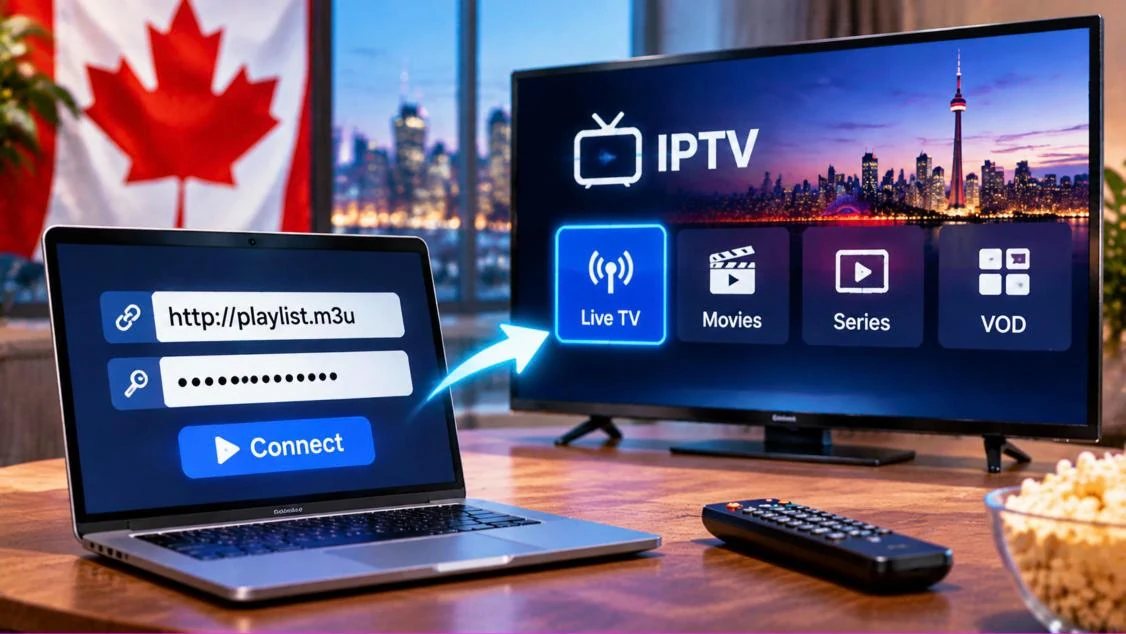
The iOS version of the familiar Smarters player brings its smart-TV-style interface to iPhone and iPad. It’s beginner-friendly, with clear Live TV, Movies and Series sections and easy Xtream Codes login, making it a natural pick if you also use IPTV Smarters on other devices and want consistency. It’s free and straightforward, and a good match for anyone who wants the Smarters experience on Apple hardware.
iPlayTV
iPlayTV is a polished, Apple-focused IPTV player that’s been popular on iOS and tvOS for years. It has a clean interface, handles M3U and Xtream Codes, and works well across iPhone, iPad and Apple TV, making it a good choice if you want a consistent app across your Apple devices. Some of its features may be behind a one-off purchase, but it’s well-regarded for its design and reliability.
SNPlayer
SNPlayer is a modern, free iOS IPTV player that supports M3U, M3U8 and Xtream Codes, with a clean interface and useful extras like AirPlay, Chromecast, picture-in-picture and parental controls. It’s a strong all-rounder on iPhone and iPad and a good option if you want casting and modern conveniences built in. As a free app, it’s easy to try alongside the others.
Which iOS app should you choose?
For most people, start with GSE Smart IPTV for reliability or IPTV Smarters Player Lite if you want the familiar Smarters layout. Choose iPlayTV if you want a polished app that spans iPhone, iPad and Apple TV, or SNPlayer if casting and modern features matter. They’re free to try, so install a couple and keep whichever interface you prefer. Our guide to IPTV on iPhone and iPad walks through the setup once you’ve chosen.
Features to look for on iOS
A few iOS-specific features are worth prioritising. AirPlay lets you send IPTV from your iPhone to an Apple TV; Chromecast support casts to a Chromecast or Google TV; and picture-in-picture lets you keep watching while using other apps. Beyond those, the usual essentials apply: a working EPG, M3U and Xtream Codes support, favourites, and smooth playback. If you plan to watch on the big screen via AirPlay or casting, make sure your chosen app supports it — our guides to the Apple TV and Chromecast cover those routes.
Installing, free vs paid, and staying legitimate
All these apps install from the App Store — no sideloading on iOS — and are free, though some have in-app purchases to unlock extra features. As always, the app is free but your IPTV subscription is separate and is what matters legally. Avoid “free” shared playlists and codes, which are unstable and tied to pirated content; use a login from a provider you actually subscribe to. Our guide to licensed vs unlicensed IPTV explains how to choose a legitimate service.
What makes a good iOS IPTV app
When comparing iOS players, a few qualities separate the good from the merely functional. The first is a reliable, accurate electronic program guide, since a messy or missing guide makes live TV awkward to navigate. The second is smooth playback and fast channel switching, which matters as much on a tablet as on a TV. The third is casting support — AirPlay or Chromecast — so you can move from the small screen to a big one. The fourth is sensible organisation: favourites, categories and search to tame a large channel list. And the fifth is stability over time, since iOS updates occasionally break older apps. The four apps above all score well across these, which is why they rise to the top of a relatively small field; weaker App Store options tend to fall down on the guide or on long-term maintenance.
iPhone vs iPad: does the app choice change?
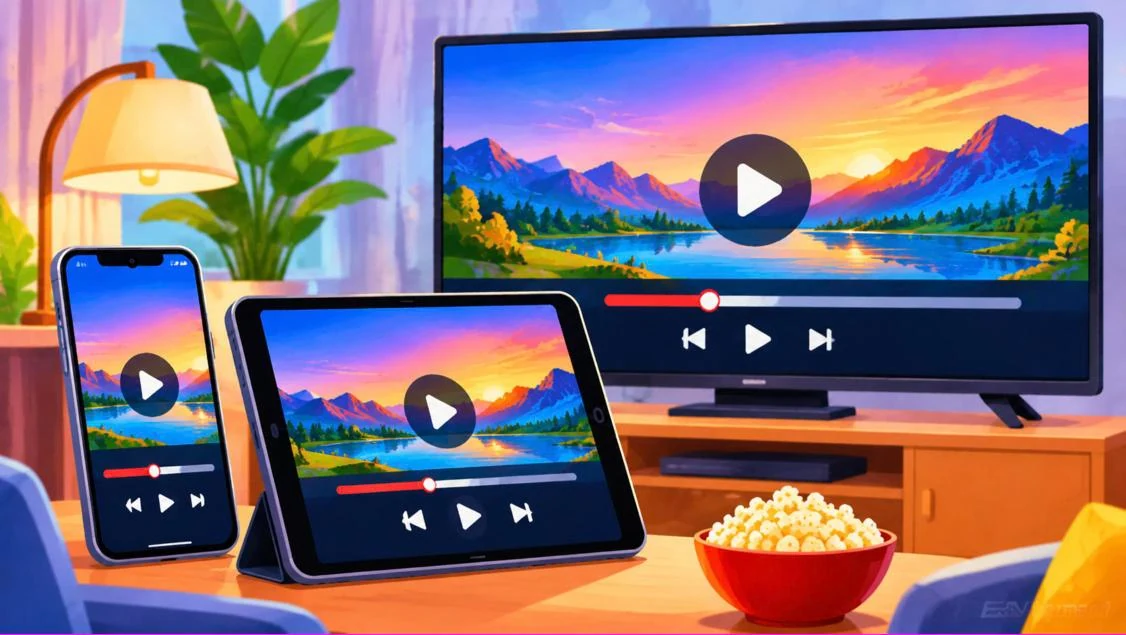
All these apps run on both iPhone and iPad, so the choice doesn’t really change between the two — but how you use them might. The iPad’s larger, higher-resolution screen makes it a genuinely pleasant solo-viewing device, where a clean interface and good VOD browsing matter more; the iPhone is more about quick, on-the-go viewing and acting as a casting remote to a TV. Any of GSE Smart IPTV, Smarters Lite, iPlayTV or SNPlayer works well on both, and because your subscription supports multiple devices, you can run the same app and login across your iPhone and iPad seamlessly. Pick the app whose interface you like best and use it on both; there’s no need to choose differently per device.
Using IPTV across your Apple devices
One of the strengths of the Apple ecosystem is how smoothly these apps let you move between devices. You might watch on your iPhone over lunch, continue on the iPad at home, and AirPlay to an Apple TV in the evening — all with the same subscription, subject to its connection limit. iPlayTV in particular spans iPhone, iPad and Apple TV, giving a consistent experience across all three, while AirPlay works from any of the apps to send a stream to the big screen. If you’re invested in Apple hardware, choosing an app that works across your devices — and learning its AirPlay and casting options — turns a single subscription into a setup that follows you around the house. Our guides to the Apple TV and iPhone and iPad setup cover the specifics.
Getting the best performance on iOS
Whichever app you choose, performance on iPhone and iPad comes down to your connection. Stay on strong Wi-Fi, ideally the 5 GHz band, for HD and 4K, and be cautious with cellular data, since live TV consumes it quickly. Keep the app and iOS updated so playback stays smooth and compatible, and close background apps during viewing to free up resources. If you cast to a TV, keep both devices on the same network to avoid drops. For long sessions, keep the device charging, as live video drains the battery fast. These habits matter more to your experience than the specific app, since all the leading iOS players perform well once the connection is solid — our buffering guide helps if you hit problems.
Bottom line
For IPTV on iPhone and iPad, GSE Smart IPTV and IPTV Smarters Player Lite are the best starting points, with iPlayTV and SNPlayer strong alternatives — especially if you want casting or a consistent app across Apple devices. iOS offers fewer choices than Android, but the available apps are reliable. All are free to try and need your own subscription. To test a service in your chosen app, TVNow offers a 24-hour free trial.
Frequently asked questions
What’s the best IPTV app for iPhone?
GSE Smart IPTV and IPTV Smarters Player Lite are the top picks, with iPlayTV and SNPlayer strong alternatives. All support M3U and Xtream Codes.
Is TiviMate available on iPhone?
No. TiviMate is Android-only. On iOS, use GSE Smart IPTV, IPTV Smarters Player Lite, iPlayTV or SNPlayer instead.
Are iOS IPTV apps free?
Yes, with some in-app purchases for extra features. Your IPTV subscription, which supplies the channels, is separate.
Can I cast IPTV from my iPhone?
Yes — use AirPlay to an Apple TV, or an app with Chromecast support (like SNPlayer) to a Chromecast or Google TV.
Do iOS IPTV apps support Xtream Codes?
Yes — GSE Smart IPTV, IPTV Smarters Player Lite, iPlayTV and SNPlayer all support Xtream Codes as well as M3U.
How do I install an IPTV app on iPhone?
Install it from the App Store (no sideloading on iOS), open it, and log in with your M3U or Xtream Codes details.